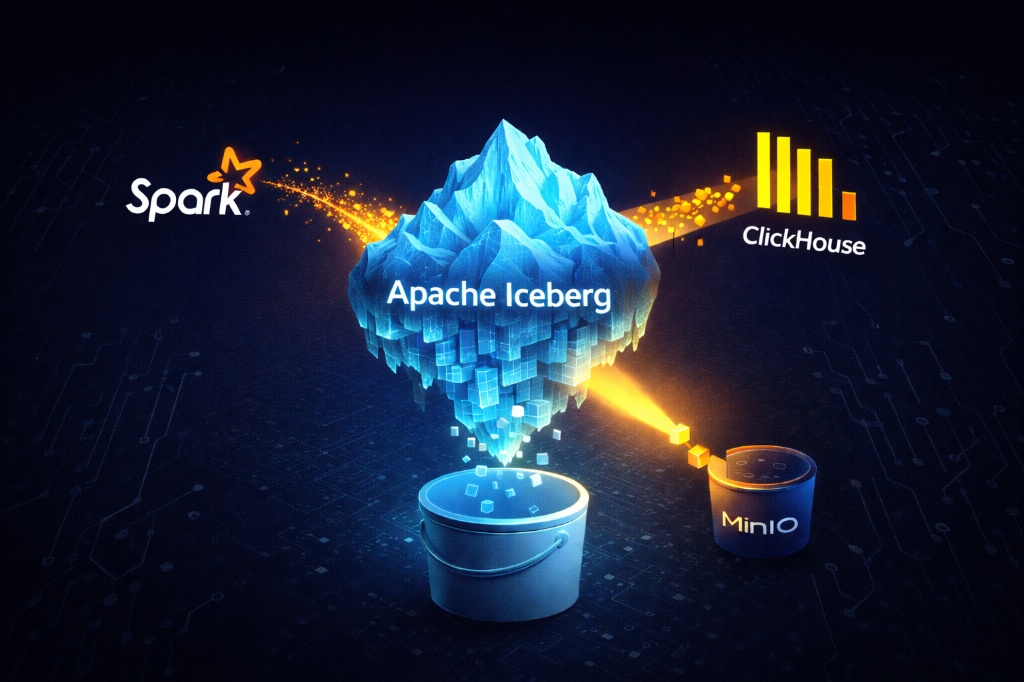
Modern data platforms increasingly rely on data lakes for scalable and cost-efficient storage. However, querying data lakes reliably and efficiently has historically been difficult. This is where open table formats such as Apache Iceberg come into play.
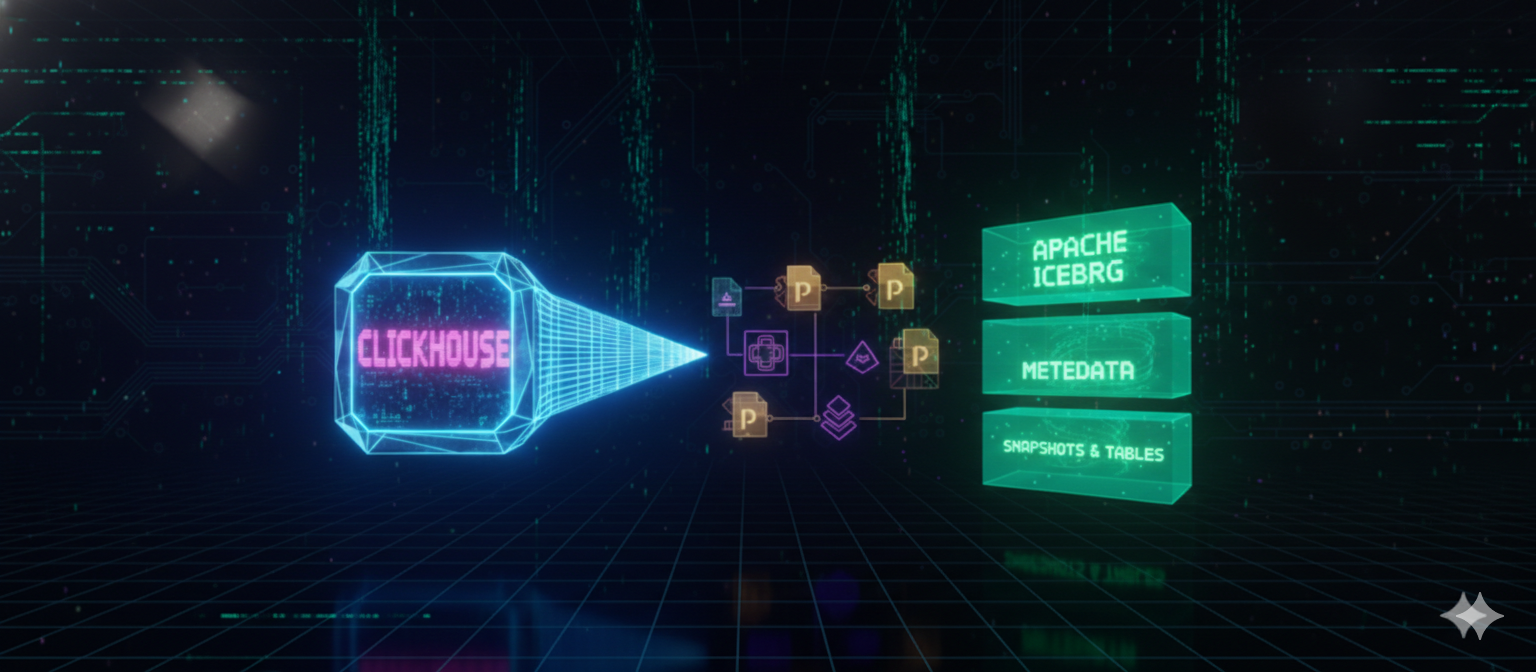
In this article, we’ll explore how ClickHouse queries Apache Iceberg tables, focusing on internals, metadata flow, and architectural trade-offs. By the end, you’ll understand how these systems work together and when this approach makes sense in production.
The Problem with Traditional Data Lakes
A data lake typically stores data on object storage such as Amazon S3 or S3-compatible systems like MinIO. While this provides durability and low cost, object storage has fundamental limitations:
- No transactions
- No schema enforcement
- No consistent notion of “latest data”
- No coordination between readers and writers
From the storage layer’s perspective, a table is simply a collection of files. This makes correctness fragile as systems scale.
Why Open Table Formats Exist
To solve these issues, open table formats introduce a metadata layer on top of object storage. This layer defines:
- Which files belong to a table
- Which version of the table is current
- How concurrent reads and writes are coordinated
This is where Apache Iceberg enters the picture.
What Is Apache Iceberg?
Apache Iceberg is not a database and not a query engine.
It is an open table format designed to bring database-like guarantees to data lakes.
Iceberg provides:
- ACID-like transactional behavior
- Snapshot-based versioning
- Schema and partition evolution
- Safe concurrent access for multiple engines
Iceberg achieves this by relying entirely on metadata, not directory scans.
Iceberg’s Metadata-First Architecture
An Iceberg table consists of four conceptual layers:
1. Data Files
These are immutable files (usually Parquet) stored in object storage.
2. Manifest Files
Manifest files list data files along with statistics such as:
- Row counts
- Partition values
- Min/max column values
3. Snapshots
Each snapshot represents a consistent version of the table, pointing to a set of manifest files.
4. Table Metadata
The top-level metadata file tracks:
- Current snapshot
- Schema definitions
- Partition specs
Key principle:
Query engines using Iceberg never discover data files by scanning object storage;
they rely entirely on Iceberg metadata to locate valid files.
Writers and Readers in an Iceberg-Based Lakehouse
Who Are the Writers?
Writers are systems that:
- Write data files
- Update Iceberg metadata
- Atomically commit a new snapshot
Typical writers include:
- Apache Spark
- Apache Flink
- Streaming pipelines fed by Apache Kafka
Uploading files directly to S3 without updating metadata bypasses Iceberg and breaks consistency.
Who Are the Readers?
Readers are query engines that:
- Read Iceberg metadata
- Resolve the latest snapshot
- Fetch only the relevant data files
Readers never guess file validity.
How ClickHouse Queries Apache Iceberg Tables
ClickHouse is primarily a column-oriented OLAP database, but it can also act as a query engine for external data sources.
When ClickHouse queries an Iceberg table, the flow looks like this:
- ClickHouse connects to the Iceberg catalog
- Reads the table metadata file
- Resolves the latest snapshot
- Reads manifest files
- Applies partition and statistics-based pruning
- Reads only the required Parquet files from object storage
ClickHouse never scans S3 directories blindly.
All file discovery is driven by Iceberg metadata.
Predicate Pushdown and Pruning
Iceberg enables effective pruning by exposing file-level statistics. ClickHouse can leverage this to:
- Skip entire files
- Reduce I/O significantly
- Avoid unnecessary reads
However, predicate pushdown works best when:
- Filters align with partition specs
- Expressions are simple and deterministic
Complex transformations may reduce pruning effectiveness.
ClickHouse as a Database vs Query Engine
It’s important to be precise with terminology.
ClickHouse is:
- A database when it owns its own MergeTree tables
- A query engine when reading external formats like Iceberg
Both roles are valid, but they imply different trade-offs.
Real-World Example Architecture
- Events are produced by edge systems
- Data flows through Kafka
- Spark or Flink processes the stream
- Data is written to Iceberg tables on S3
- Iceberg commits a new snapshot
- ClickHouse queries the table for analytics
This design ensures:
- Consistent reads
- Safe concurrent access
- Engine independence
Trade-offs of Querying Iceberg with ClickHouse
Advantages
- No data duplication
- Strong consistency guarantees
- Easy schema evolution
- Multi-engine compatibility
Limitations
- Metadata parsing overhead
- Higher query latency than native MergeTree tables
- Limited indexing compared to ClickHouse-native storage
Iceberg optimizes correctness and interoperability, not raw OLAP speed.
Iceberg vs Other Table Formats
Other open table formats include:
- Delta Lake
- Apache Hudi
At a high level:
- Iceberg focuses on metadata clarity and engine neutrality
- Delta Lake integrates deeply with Spark
- Hudi excels in incremental and CDC-heavy workloads
When This Architecture Makes Sense
Querying Iceberg with ClickHouse is ideal when:
- Multiple engines need access to the same data
- Data is large and shared across teams
- Correctness matters more than lowest latency
It is less suitable when:
- ClickHouse is the sole analytics engine
- Sub-second latency is critical
- Complex indexing is required
Final Thoughts
Apache Iceberg does not replace analytical databases like ClickHouse.
Instead, it complements them by solving the hardest problems in data lakes: correctness, consistency, and coordination.
ClickHouse, in turn, brings fast analytical querying to data that Iceberg safely manages.
Together, they form a powerful and flexible lakehouse architecture.
References
Apache Iceberg Documentation
Apache Iceberg Blog
ClickHouse Documentation – Iceberg Integration