High availability (HA) and disaster recovery (DR) are often mentioned together, but they solve different problems.
When people deploy ClickHouse® in production, one of the first questions they ask is:
"How does ClickHouse® handle failures?"
The answer isn't a single feature or a configuration switch.
Instead, ClickHouse® provides several mechanisms-replication, distributed tables, ClickHouse Keeper, backups, and multi-cluster deployments-that can be combined to achieve different levels of availability and recovery.
In this article, we'll explore what High Availability and Disaster Recovery actually mean, how ClickHouse® supports each of them, and where their responsibilities begin and end.
High Availability vs Disaster Recovery
Although the terms are frequently used together, they solve different kinds of failures.
High Availability (HA)
High Availability focuses on keeping the database operational when individual components fail.
Typical failures include:
- A server crashes
- A disk becomes unavailable
- A network link fails
- A database replica goes offline
The goal is simple:
Keep serving queries with minimal interruption.
Users should ideally continue reading and writing data without noticing that one machine has failed.
Disaster Recovery (DR)
Disaster Recovery deals with much larger failures.
Examples include:
- Complete data center outage
- Cloud region failure
- Accidental deletion of tables
- Corrupted data
- Ransomware or catastrophic infrastructure failure
The objective here is different:
Restore the system and recover the data after a disaster.
Unlike HA, disaster recovery usually involves restoring data from backups or switching operations to another environment.
ClickHouse® and High Availability
ClickHouse® achieves high availability primarily through replication and distributed query execution.
It is important to understand that replication alone does not automatically make a cluster highly available. Proper architecture is required.
ReplicatedMergeTree: The Foundation of HA
The ReplicatedMergeTree family of table engines stores multiple copies of data across different servers.
Each replica contains the same data parts.
For example:
Replica A
Replica B
Replica C
If Replica A becomes unavailable, Replica B or Replica C can continue serving requests.
Replication metadata is coordinated using ClickHouse Keeper (or ZooKeeper in older deployments).
This metadata includes:
- replicated parts
- merge operations
- mutations
- replica state
The actual data remains on local disks.
One important detail is that replication is asynchronous.
After a write is accepted by one replica, other replicas synchronize in the background.
Because of this, replication should not be confused with synchronous database replication found in some traditional relational databases.
Distributed Tables
Replication protects data copies.
Distributed tables determine where queries are sent.
Instead of connecting applications directly to individual replicas, applications typically query a Distributed table.
The Distributed engine can:
- balance reads across replicas
- route requests to available servers
- continue querying healthy replicas when one becomes unavailable
This allows applications to continue operating even if individual nodes fail.
ClickHouse Keeper
ClickHouse Keeper is the coordination service used by replicated tables.
It stores metadata required for replication, including:
- replica registration
- replication queues
- leader election for merges
- mutation coordination
It is not a storage engine and does not store user data.
If Keeper becomes unavailable, replication coordination may stop even though existing data remains on disk.
For production deployments, Keeper itself should also be deployed as a replicated cluster to avoid becoming a single point of failure.
Load Balancing
In production, clients usually connect through a load balancer rather than directly to database nodes.
A load balancer can:
- route traffic only to healthy servers
- automatically bypass failed replicas
- simplify application configuration
This provides another layer of resilience outside ClickHouse® itself.
What High Availability Does Not Protect Against
Even a perfectly replicated cluster cannot protect against every failure.
Replication does not help if:
- every replica is accidentally deleted
- incorrect SQL removes data everywhere
- corrupted data is replicated to every node
- an entire region is lost
This is where Disaster Recovery becomes essential.
Disaster Recovery in ClickHouse®
Disaster recovery focuses on recovering data after catastrophic events.
Unlike high availability, recovery often requires restoring historical copies of data.
Backups
Backups are the primary disaster recovery mechanism.
ClickHouse® supports creating backups of databases and tables using SQL.
Backups may be stored in locations such as:
- local disks
- S3-compatible object storage
- network storage
- cloud storage
A backup represents a recoverable snapshot that can later be restored.
Without backups, many catastrophic failures become irreversible.
Offsite Backups
Keeping backups on the same server provides limited protection.
If the entire server is lost, local backups are usually lost as well.
A better practice is storing backups in a separate location, such as object storage or another data center.
This protects against infrastructure-level failures.
Multiple Clusters
Some organizations maintain completely separate ClickHouse® clusters in different regions.
For example:
Primary Cluster
      │
      │
Data Replication / Backup
      │
      ▼
Secondary Cluster
If the primary environment becomes unavailable, applications can switch to the secondary cluster.
The synchronization strategy depends on business requirements.
Some organizations restore from backups.
Others continuously synchronize data.
ClickHouse® does not automatically provide cross-region disaster recovery. Designing this architecture is the responsibility of the deployment.
Recovery Objectives
Every disaster recovery strategy should define two important metrics.
Recovery Time Objective (RTO)
RTO answers:
How quickly must the system be restored?
For example:
- 15 minutes
- 1 hour
- 4 hours
Recovery Point Objective (RPO)
RPO answers:
How much recent data can be lost?
Examples:
- zero data loss
- five minutes of data
- one hour of data
Backup frequency and replication strategy directly influence achievable RPO values.
Putting Everything Together
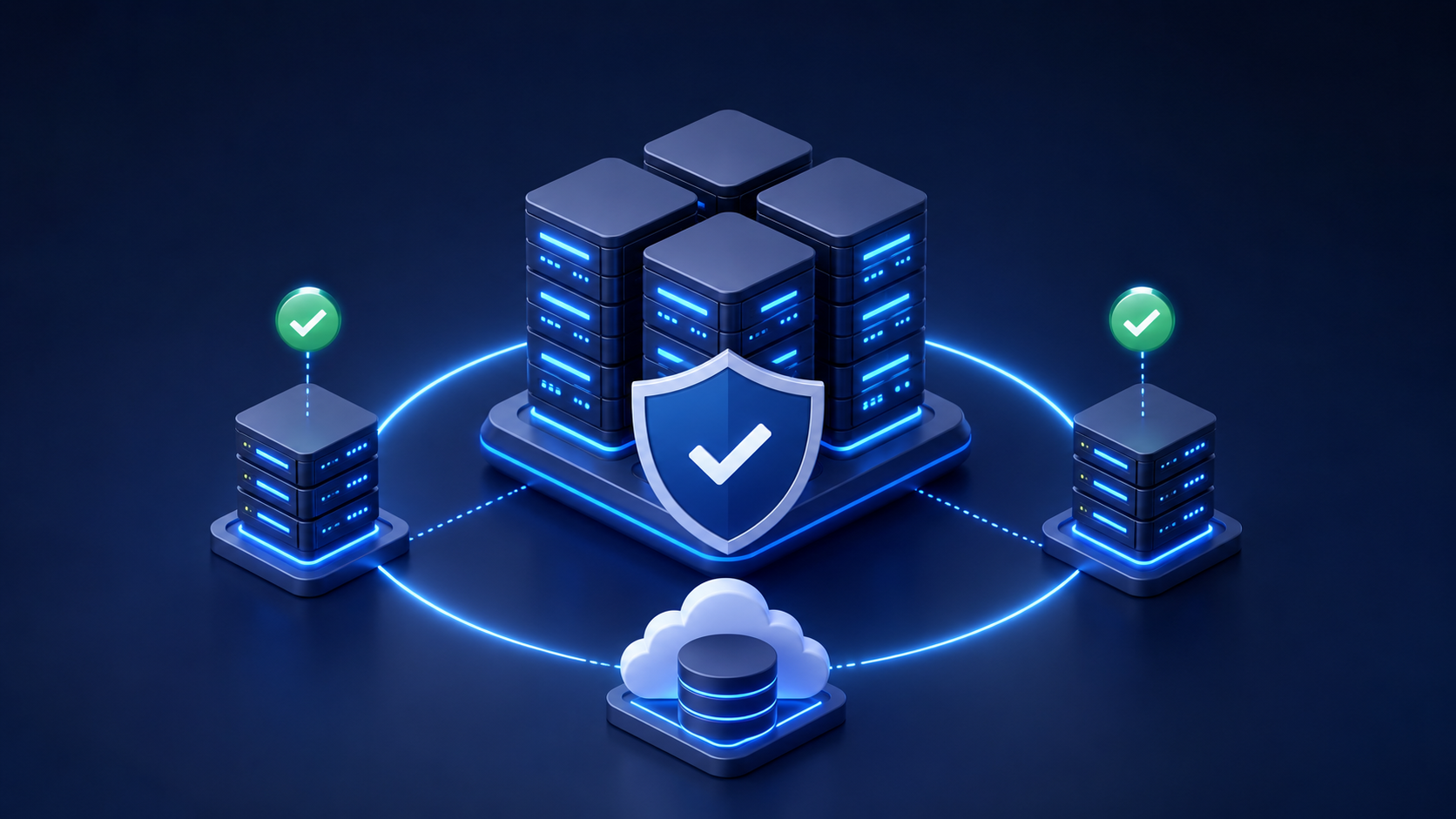
A production ClickHouse® deployment often combines multiple mechanisms.
               Applications
                     │
             Load Balancer
                     │
      ┌──────────────┴──────────────┐
      │                             │
 Replica A                     Replica B
      │                             │
      └──────────────┬──────────────┘
                     │
             ClickHouse Keeper

        Periodic Backups
               │
               ▼
      Remote Object Storage
This architecture provides:
- replicated data
- automatic failover for reads
- coordination through Keeper
- recoverable backups
- protection against infrastructure failures
Each component addresses a different type of failure.
Common Misconceptions
"Replication is a backup."
It is not.
Replication copies data between replicas.
If data is deleted or corrupted, those changes are also replicated.
Backups remain necessary.
"High Availability prevents disasters."
It does not.
HA minimizes downtime during component failures.
It cannot recover data after catastrophic events without backups.
"ClickHouse® automatically provides disaster recovery."
It does not.
ClickHouse® provides backup and replication capabilities, but designing a disaster recovery architecture-including backup policies, offsite storage, and recovery procedures-is the responsibility of the deployment.
Best Practices
For production deployments, consider the following:
- Use ReplicatedMergeTree for replicated storage.
- Deploy ClickHouse Keeper as a highly available cluster.
- Use Distributed tables or an external load balancer for query routing.
- Schedule regular backups.
- Store backups outside the production servers.
- Periodically test backup restoration.
- Define clear RTO and RPO targets before designing the architecture.
Conclusion
High Availability and Disaster Recovery solve different problems, and both are important for production ClickHouse® deployments.
High Availability helps applications continue operating when individual servers fail by relying on replication, distributed query execution, and coordinated metadata management.
Disaster Recovery addresses larger failures by ensuring that data can be restored after catastrophic events through reliable backup and recovery strategies.
ClickHouse® provides the necessary building blocks for both, but it does not automatically deliver a complete HA or DR solution. The overall resilience of a deployment depends on how these components are designed, configured, and operated together.
Understanding this distinction helps build systems that are not only fast, but also resilient when failures inevitably occur.